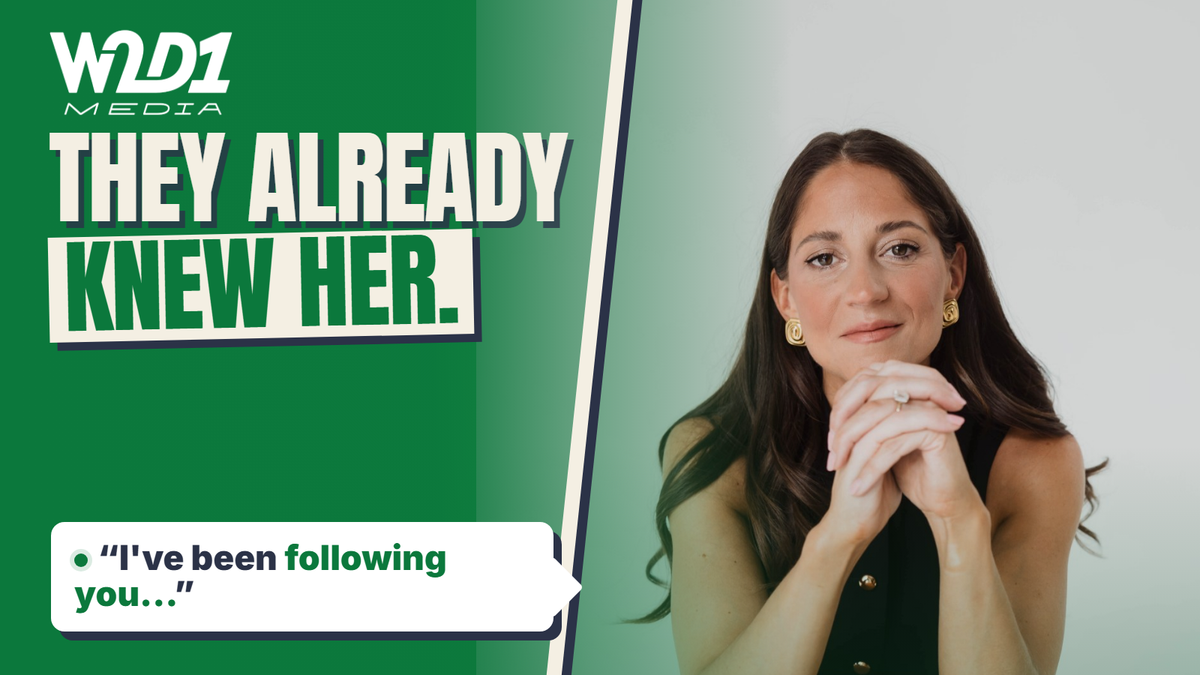

When we produced James MacDonald’s interview with WorkClone CEO Natalie Ashes for Building Tech Teams, we had a good short about an AI voice agent telling a customer a bedtime story. We opened the full episode with a different exchange, about how many people it takes to build an AI company. What makes each cut work depends on what you want the audience to get from it.
The fairest comparison starts with the work. For a video interview, that might mean one full video episode, an audio master, a trailer, three vertical clips and accurate captions. Then decide what “beat” means. A shorter route to the same publication standard is a win. So is an edit that gives your intended audience a better reason to watch, at a cost you can sustain. Those are two different wins.
Two choices from the same W2D1 interview
The bedtime story
Natalie asks a furniture company’s voice agent to give her a quote as a bedtime story. It refuses once. She asks again and gets a story about walking through a forest with couch cushions falling around her. Watch the source exchange at 15:30
The setup and payoff fit in a short. It gives someone considering a customer-facing voice agent a concrete failure to watch for.
The hero trailer
James asks Natalie how many people she thinks it would have taken to build the same capability six years earlier. She estimates 100. Her team today is about ten, with consultants as well. We brought that exchange forward into the episode’s opening. The published hero trailer also leads with what a small team can do with AI. Watch the cold open and watch the trailer
The comparison gets a founder or engineering leader straight to a question the show can help them think through. What can a small team take on with AI, and which work still needs a person?
James flagged the headcount exchange for the montage. Our team used it to open the episode and kept Natalie’s explanation of the human role in the same opening. She sees AI taking on repetitive work while people build relationships and keep teaching the system. That context gives the audience her argument alongside the attention-grabbing estimate. See the episode and its chapter list
Where AI can beat a human editor
Getting to the first useful cut. A searchable transcript lets you jump straight to the part where a guest describes a decision, even if you only remember one phrase. It can also help you find retakes, spot long gaps and collect several versions of an answer. Adobe’s transcript-based editing links the words to the timeline and supports bulk removal of detected filler words. That makes the repetitive part of the edit quicker to attempt and easier to reverse if you keep the original timeline. Adobe Premiere’s text-based editing guide
There’s interview-specific research behind the idea. In a 2024 study, researchers used a tool called ChunkyEdit to group footage from 12 interview videos and asked eight professional video editors how it fit into their work. The editors used it to organise footage and prepare material for a rough cut. That’s evidence for using a tool to prepare interviews for an editor. Once you move into finished episodes and clips, the relevant test is how the complete production process performs. Leake and Li’s ChunkyEdit study
Cleaning up straightforward speech. A noise-reduction or speech-enhancement pass is worth testing when there’s a steady fan, mild room echo or a noticeable difference between the two microphones. Keep the source audio and compare at similar loudness. Listen for changes to consonants, breaths and the speaker’s tone. If the guest’s voice starts to sound processed, use a lighter setting or treat the affected passage by hand. Adobe describes its Enhance Speech feature as a tool for dialogue cleanup. The useful result is whatever sounds clearer in your recording when you play it back. Adobe Research on AI audio features
Building a first pass across formats. Automatic camera switching can give a clean two-person interview a usable starting sequence. Clip tools can find candidate excerpts, crop them vertically and add draft captions. That’s particularly useful if the alternative is a founder spending Sunday night scrubbing through a recording. Descript documents automatic switching and reaction cutaways. Riverside lets you steer clip suggestions by speaker, keyword and duration. Give it a specific job, such as finding where the guest describes the first hire they got wrong, then watch the whole exchange before deciding whether it works. Descript’s multicam documentation and Riverside’s Magic Clips guide
There’s also evidence that the choice of tool matters. In the 2025 TalkLess study, 12 people with editing experience shortened lecture recordings using two AI-assisted interfaces. All 12 preferred TalkLess and reported lower mental demand. They made fewer manual word edits. The test compared two assisted ways of shortening speech and used fixed editing sessions. The episode and clip test below measures a different outcome, the time and cost to finish the whole job. Benharrak, Peng and Pavel’s TalkLess study
Where I would put an editor in charge
Choosing what the interview is about. A guest can give you a crisp prediction, a revealing mistake and a few minutes of useful disagreement in the same hour. For an audience of engineering leaders, the mistake might make the best opening if it shows them how to avoid a decision they’re about to make. Give the editor a brief that names that listener and that decision. Then invite suggestions from the tool against the same brief. A clip can be catchy, complete and entirely wrong for the people the show needs to reach.
Preserving the speaker’s meaning and timing. A pause can be a glitch, a moment of thought or the beat that makes a joke land. Look at what happens on both sides of the cut. Keep an answer’s conditions, the sentence that explains who it applies to, and any correction that materially changes the claim. For a vertical excerpt, pay particular attention to the first and last words and any jumps in the middle. An audio edit can preserve every word and still make a speaker look evasive if it borrows a reaction from another moment.
Finishing difficult material. People talk over one another. A host nods and says “yeah” as a guest starts a sentence. A dense technical example needs a beat to land. Automatic switching can make that exchange look jumpy. A deliberate wide shot or a longer hold on the guest may work better. The same care applies to an audio-only cut. Listen through the edit with the screen off to catch an unexplained “this chart”, an abrupt change of room tone or a reference to a question you’ve removed.
The standard applies to human work too. People can choose the wrong sound bite, leave a rough join or accidentally cut a caveat. An experienced editor earns their place by spotting those issues, understanding the brief and delivering a file the host can trust.
The trade-off is paid time and availability. A human-led edit can take longer to start when the editor is booked, and a detailed brief still takes effort from the host. You can spend a lot of time polishing a conversation that recorded cleanly and already has a clear structure. Conversely, a cheap automatic export can send a founder straight back into the job they were trying to hand over. Count the founder’s corrections, even if nobody invoices for them.
Captions, synthetic speech and private recordings
Treat the transcript as a search tool until you’ve checked it against the audio. A 2024 paper on an earlier Whisper system found occasional invented phrases in its test material, with more frequent errors of that kind in segments with longer stretches of non-vocal audio. Those findings apply to the model and recordings the researchers tested. For a podcast, check names, numbers, negatives, speaker labels and overlapping speech with particular care. Check captions on the exported cut, where timing and framing are visible. Captions should also convey meaningful sounds, such as laughter that changes how a remark comes across. Careless Whisper, W3C guidance on captions and YouTube’s automatic caption guidance
There’s a bigger change when a tool generates speech in the guest’s voice or alters their mouth to match. A clean pickup or a different excerpt can usually solve the production problem while keeping the published words traceable to the source. Platform rules also distinguish routine repair from material synthetic changes. YouTube lists caption creation and ordinary audio repair as minor assistance, and requires disclosure when realistic AI manipulation makes a real person appear to say something they never said. YouTube’s synthetic content guidance
An unedited interview can contain personal details, financial figures and pre-roll conversation that never belongs in the episode. When you evaluate a cloud tool, check what the service receives, who can access it, how long it keeps it and how it uses uploads. Keep sensitive material in the existing editing environment or send only the section the tool needs. The time cost of moving and managing files belongs in the comparison too. OAIC guidance on commercially available AI products
How to run a fair test on your own show
Test three workflows on a few representative recordings. Include an easy interview and one with difficult audio, overlapping speech or a complicated argument. Give every workflow the same source files, audience brief, required outputs and deadline. Use similarly experienced people where possible, or rotate editors across separate recordings so that an editor’s familiarity with a particular interview carries less weight.
- The editor’s normal workflow. Use a competent editor working as they normally would, including any transcription or cleanup tools already in regular use. This is the baseline you have to beat.
- AI first. Start with the tool’s automatic outputs. Save that first pass, then have a person review and repair the episode and clips to the same publication standard. Record every minute of that work.
- Editor-led with targeted AI help. Have the editor choose the structure, opening and clips. Use automation for specific jobs such as transcription, initial cleanup, camera suggestions and caption timing. Log the time on those jobs too.
Review meaning and source fidelity first. A material misquote, a misleading reaction shot, a missing qualifier or a broken caption on a crucial line is a failed output until it’s corrected. Log which version failed and what the correction cost. Then give the finished edits anonymous labels and shuffle the viewing order. Ask a few people who resemble the intended audience to rate clarity, pacing and usefulness. Ask them to describe what the guest actually argued and choose the clip they’d share with a colleague. Compare the completed audio editions too.
Track elapsed time, hands-on time by person and total cost per usable package. Include upload and setup, prompt revisions, failed versions, checking the source, repairs, caption correction, export and the host’s review time. Allocate the tool cost across a realistic number of episodes. Count how many clips were usable and how often a workflow misses the publishing window. Three clean episodes can tell you something about your production process. Treat a result from that sample as a working decision for your show.
Here’s an illustrative calculation. At A$80 an hour, an editor who delivers the package in three hours costs A$240 in labour. An AI-first workflow that takes 155 minutes of hands-on work and uses A$25 of software costs about A$232. A further 15 minutes correcting captions or repairing a join brings it to about A$252. The fast first export can coexist with a fairly small saving, and an awkward interview can wipe it out. Apply different rates if the editor, producer and host carry different costs.
If you use audience data afterwards, compare like with like. A paid clip and an organic full episode start with different audiences and different jobs. For a clip, you might care about whether it earns a visit from the kind of person you want to reach. For the interview, check whether people stay for the answer promised at the start. A test of the edit should keep the title, thumbnail and distribution comparable, or record those differences when interpreting the result.
What I’d choose for a weekly interview show
I’d start with an editor-led workflow. Before recording, tell the editor who the episode is for and what decision it should help them make. Have the tool prepare the transcript, do the routine cleanup and surface passages against the brief. The editor chooses the opening and the story, protects the context of each clip, and checks the final audio and video. That’s a good first test of where the speed actually comes from.
For a clean, predictable format with clear start and end points, an AI-first cut can win if an accountable person can bring it to the same standard in less total time. For a difficult or high-stakes conversation, put the editor on the material early. The most valuable human decision can happen before the tools run, when someone works out which part of the interview is useful enough to build the episode around.
At W2D1 Media, we work through those choices with you and carry them into the finished episode and clips. If you want one team to take the show through post-production, publishing and network distribution, that’s what our production and Day One Network package is built for. See how W2D1 produces and distributes interview podcasts